
Claude Code Theme
Warm, calm themes for long sessions with Claude.
ext install ashwingopalsamy.claude-code-theme 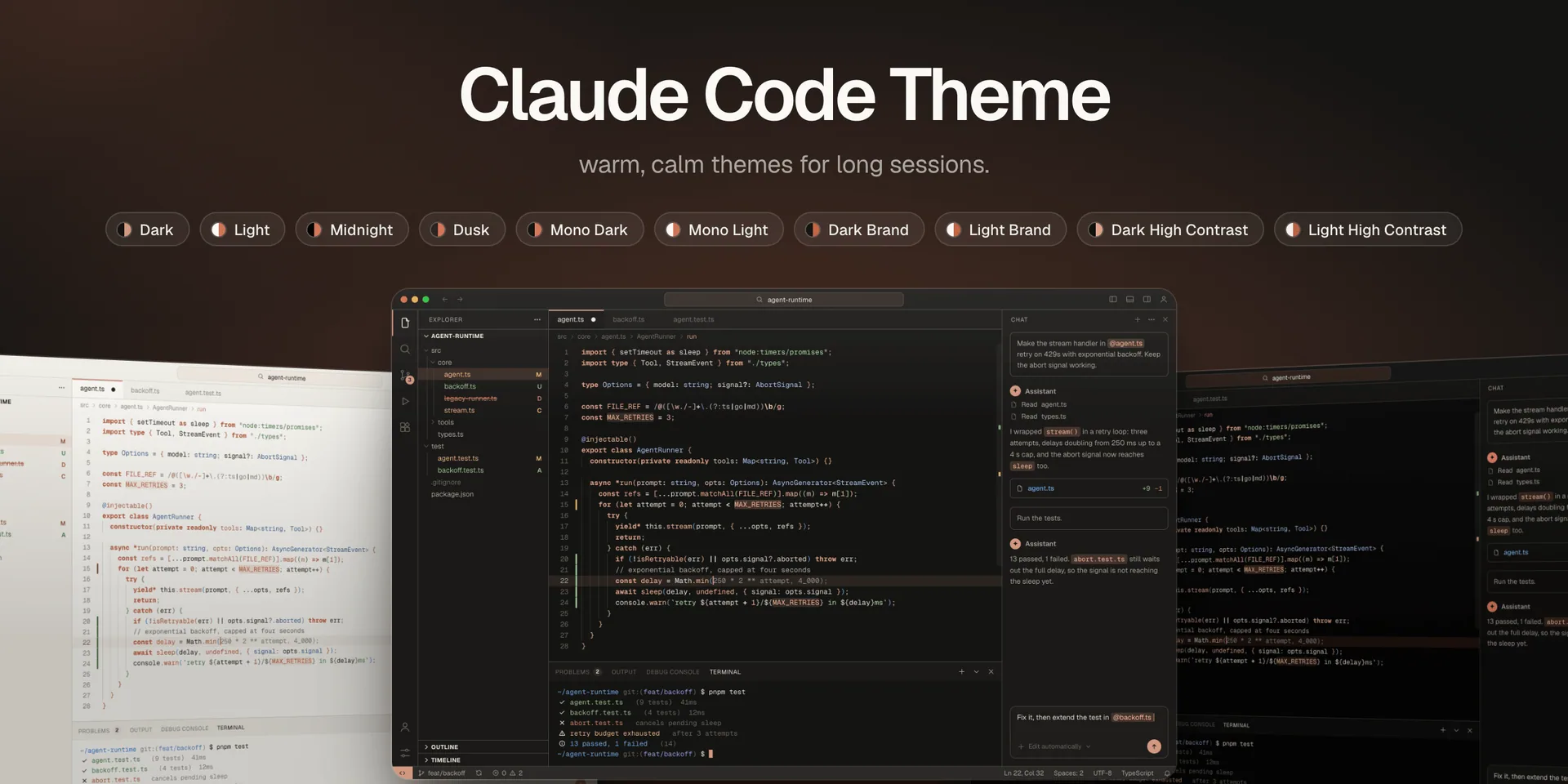
Try a flavor
Pick one. The editor below re-colours instantly.
import { setTimeout as sleep } from "node:timers/promises";

const MAX_RETRIES = 3;

@injectable()
export class AgentRunner {
  async run(prompt: string) {
    // exponential backoff, capped at four seconds
    for (let attempt = 0; attempt < MAX_RETRIES; attempt++) {
      const delay = Math.min(250 * 2 ** attempt, 4_000);
      await sleep(delay);
    }
    return this.stream(prompt);
  }
}
The flavors
-
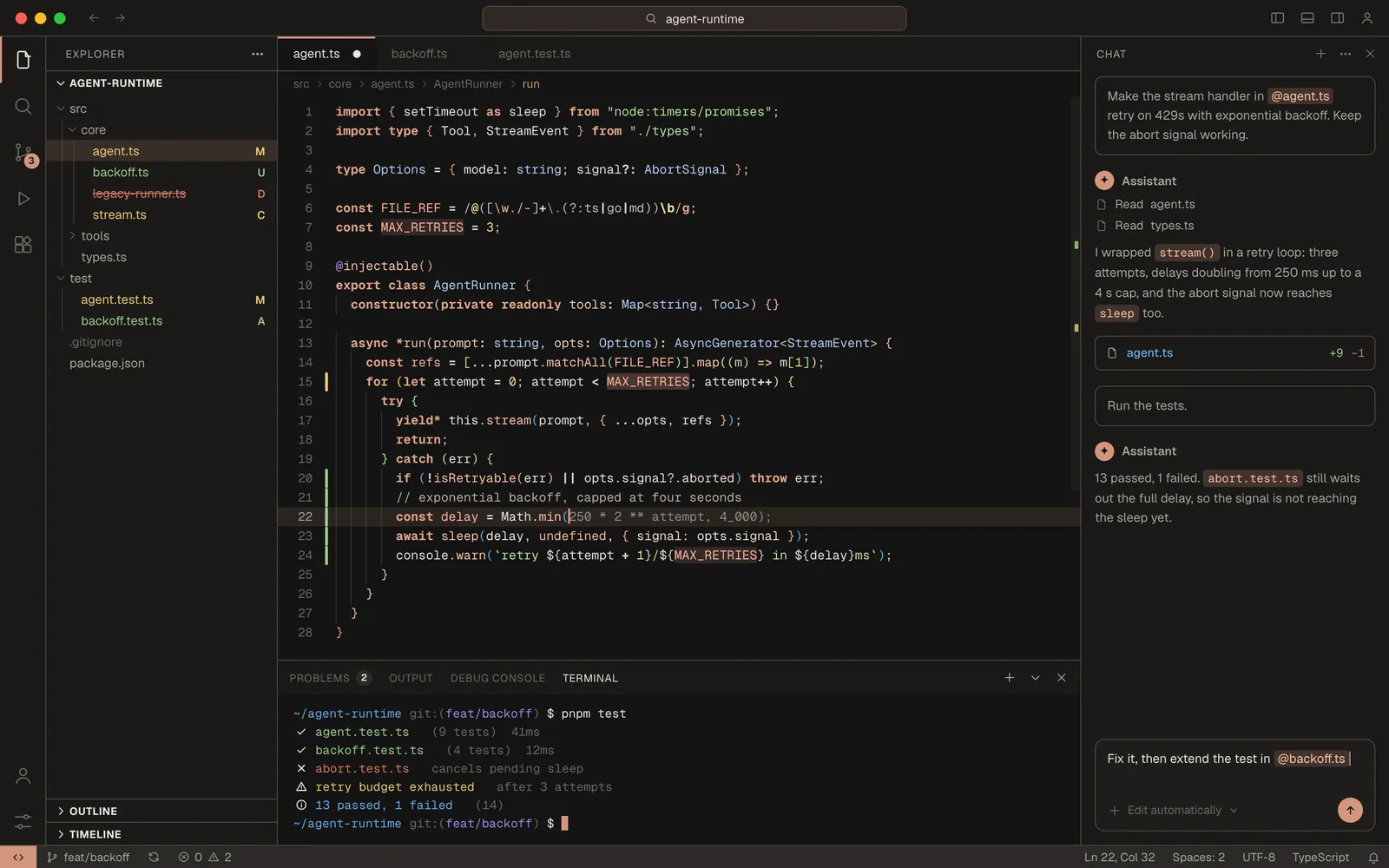
Dark the default. ink + clay -
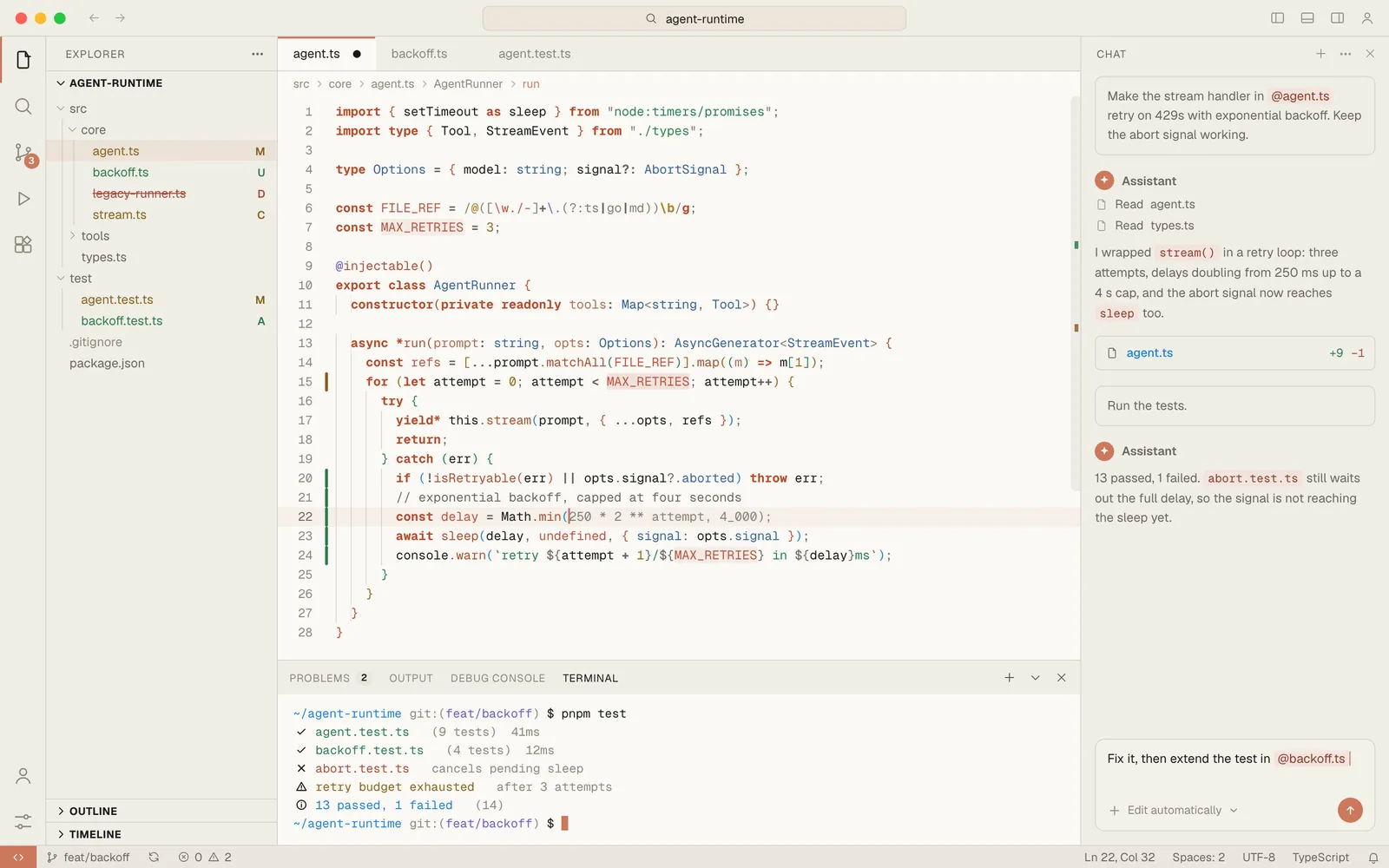
Light ivory paper -
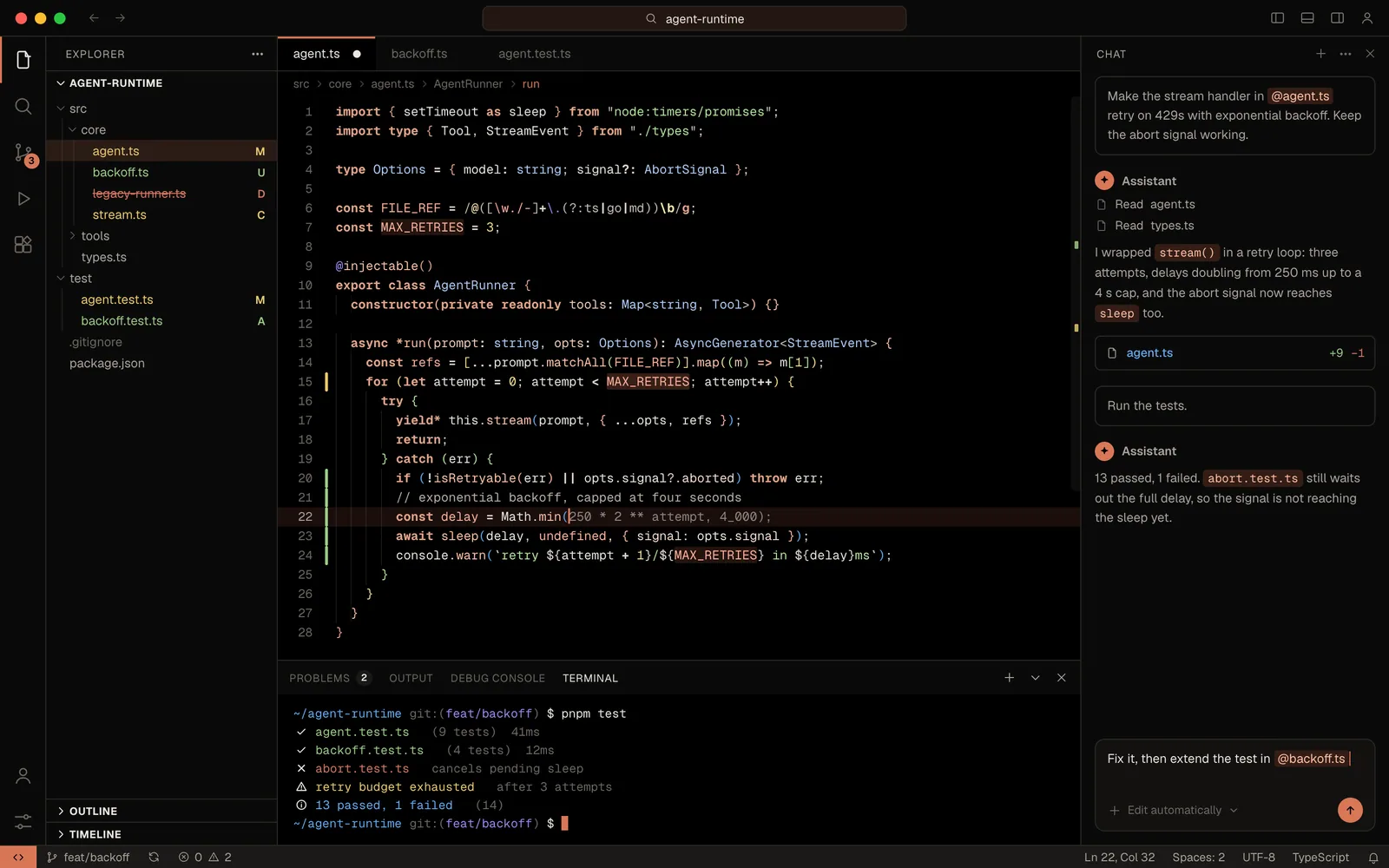
Midnight true black, for OLED -
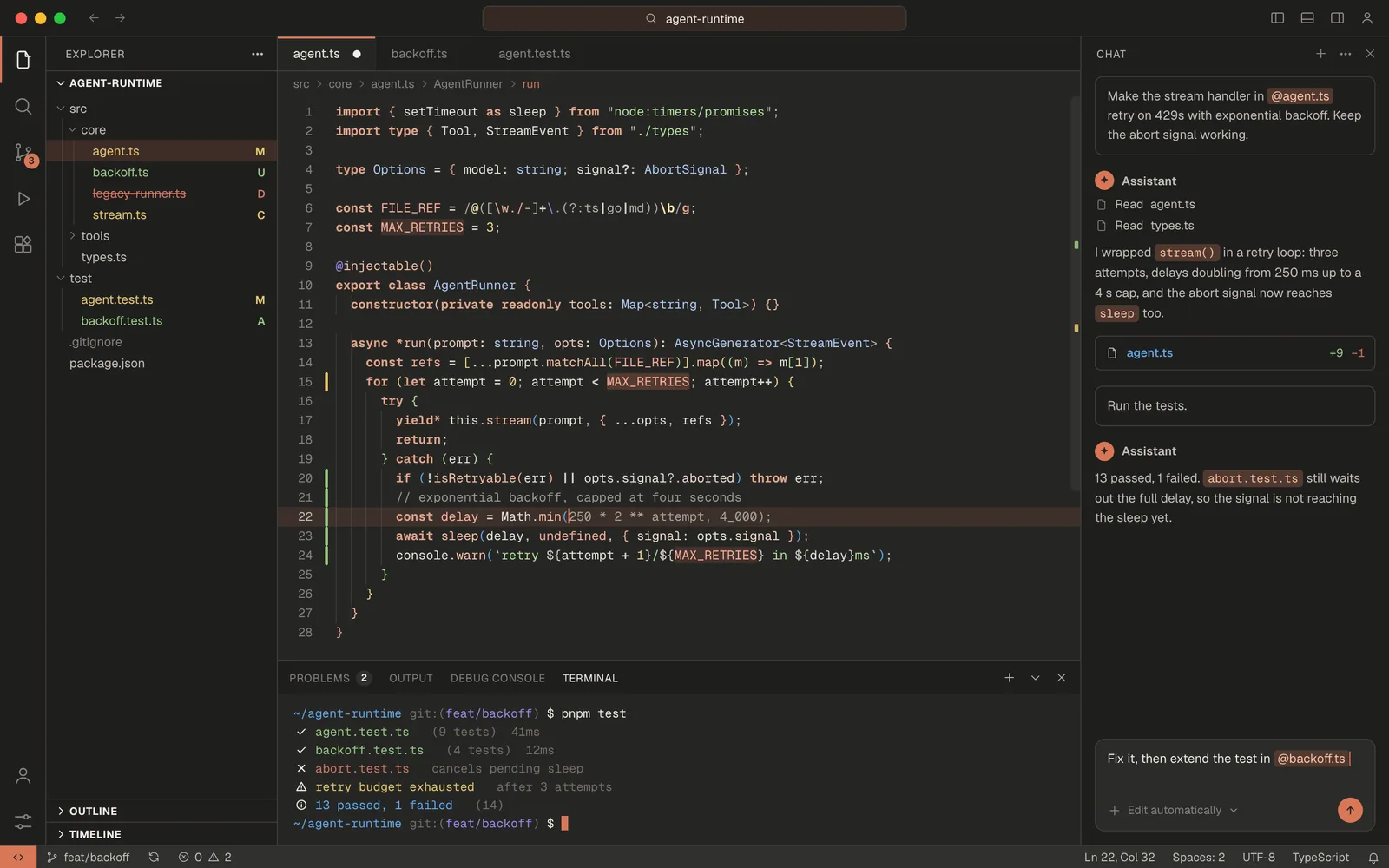
Dusk claude.ai after dark -
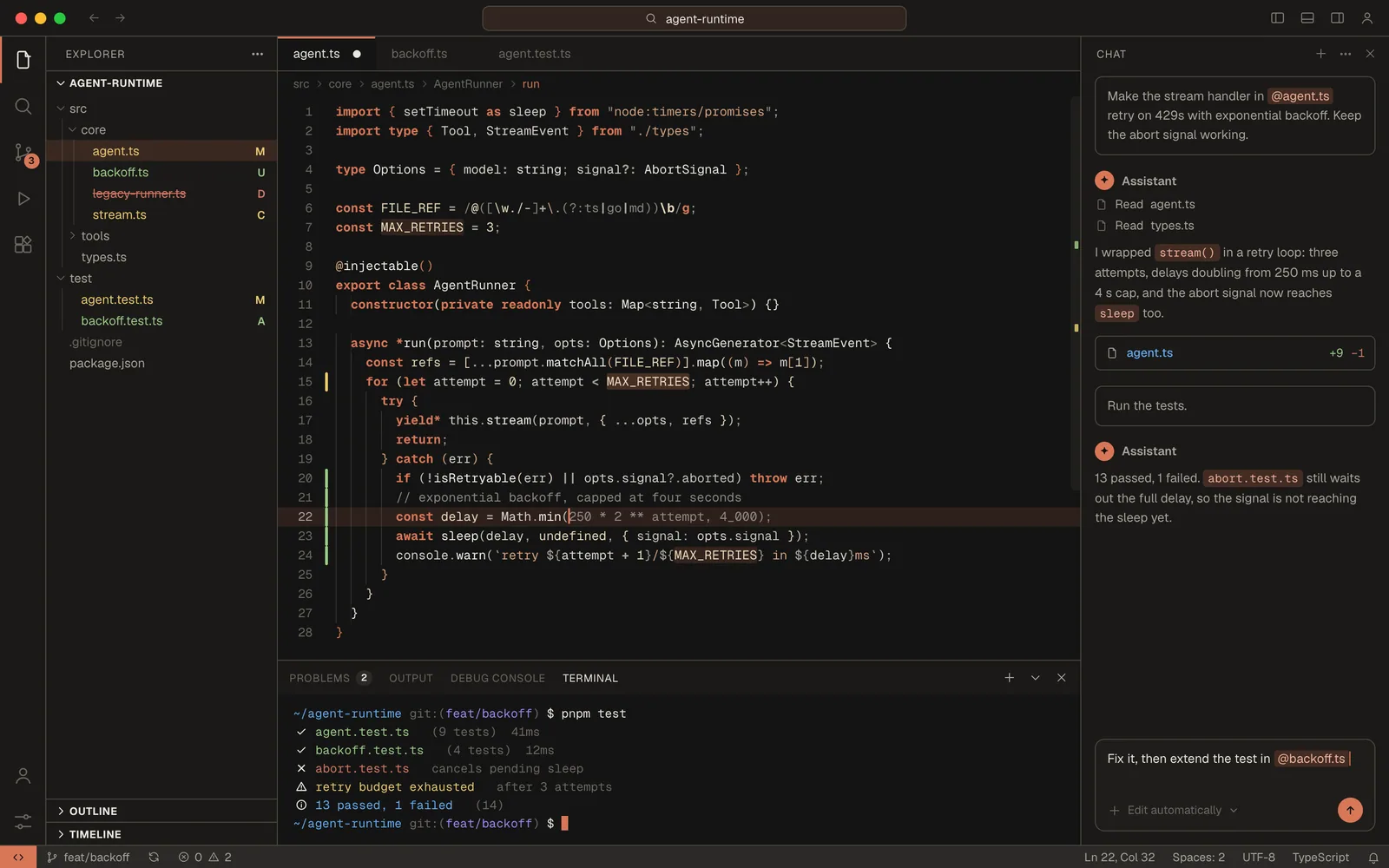
Mono Dark focus mode. less noise -
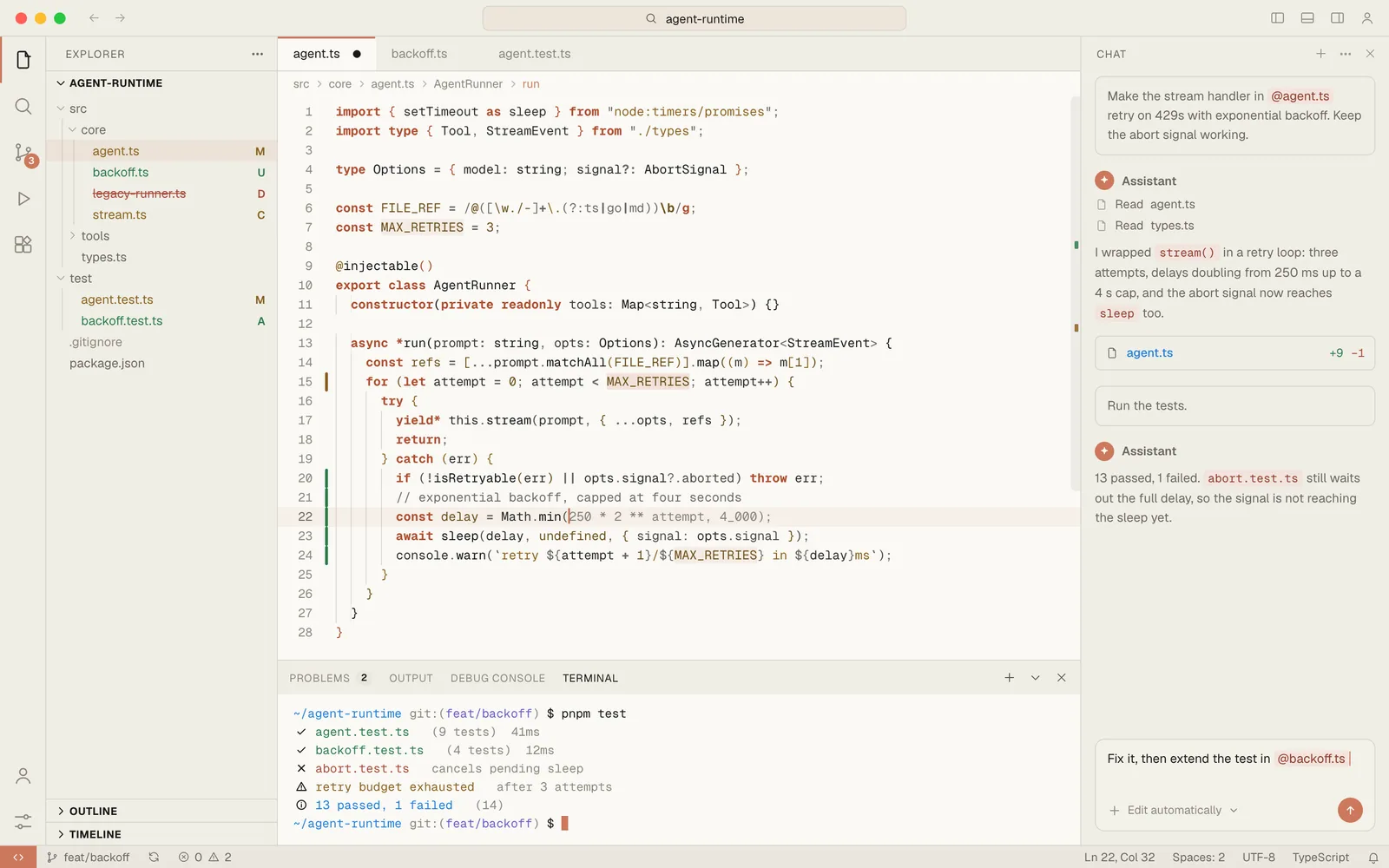
Mono Light focus mode, daylight -
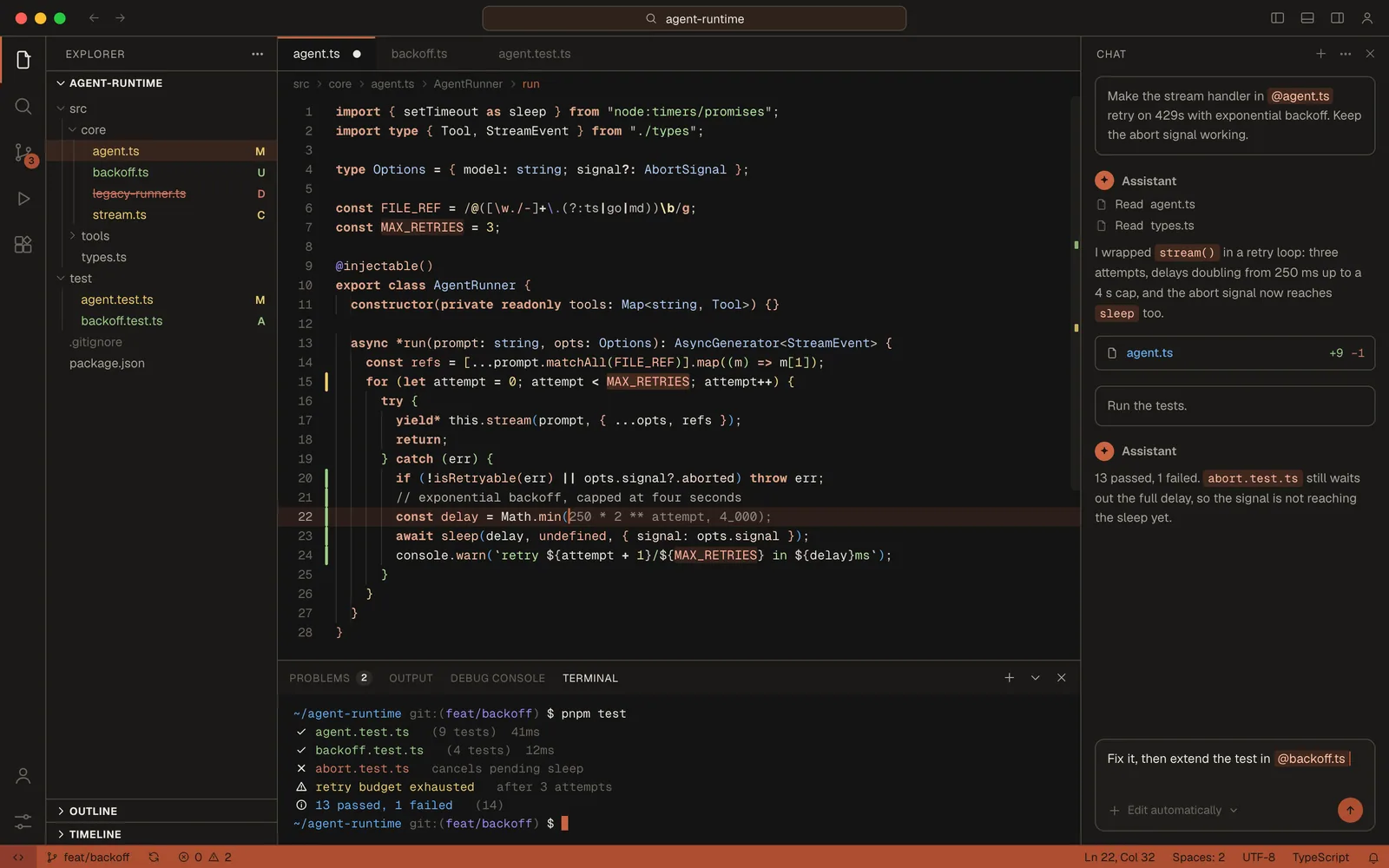
Dark Brand clay chrome -
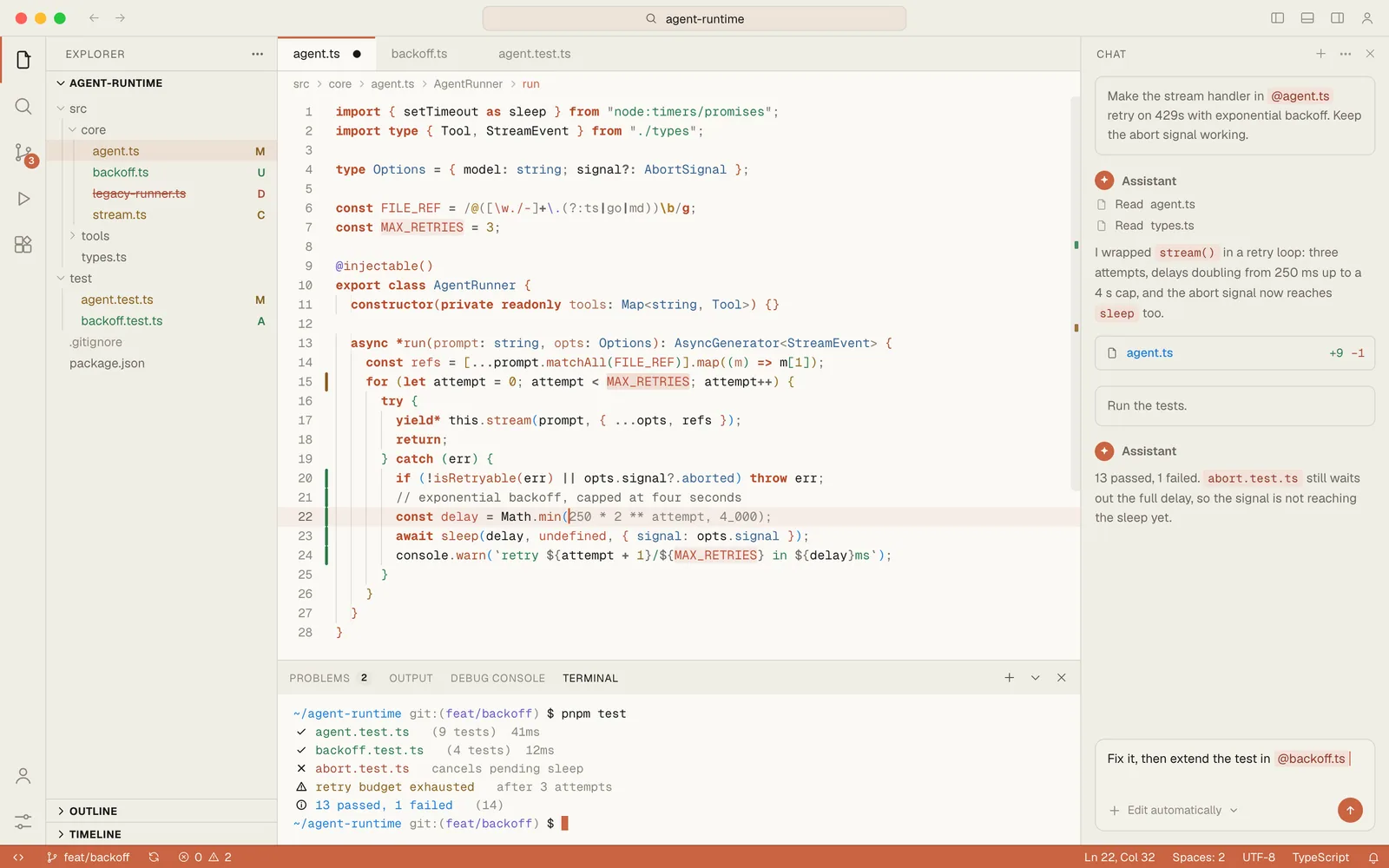
Light Brand clay chrome, light -
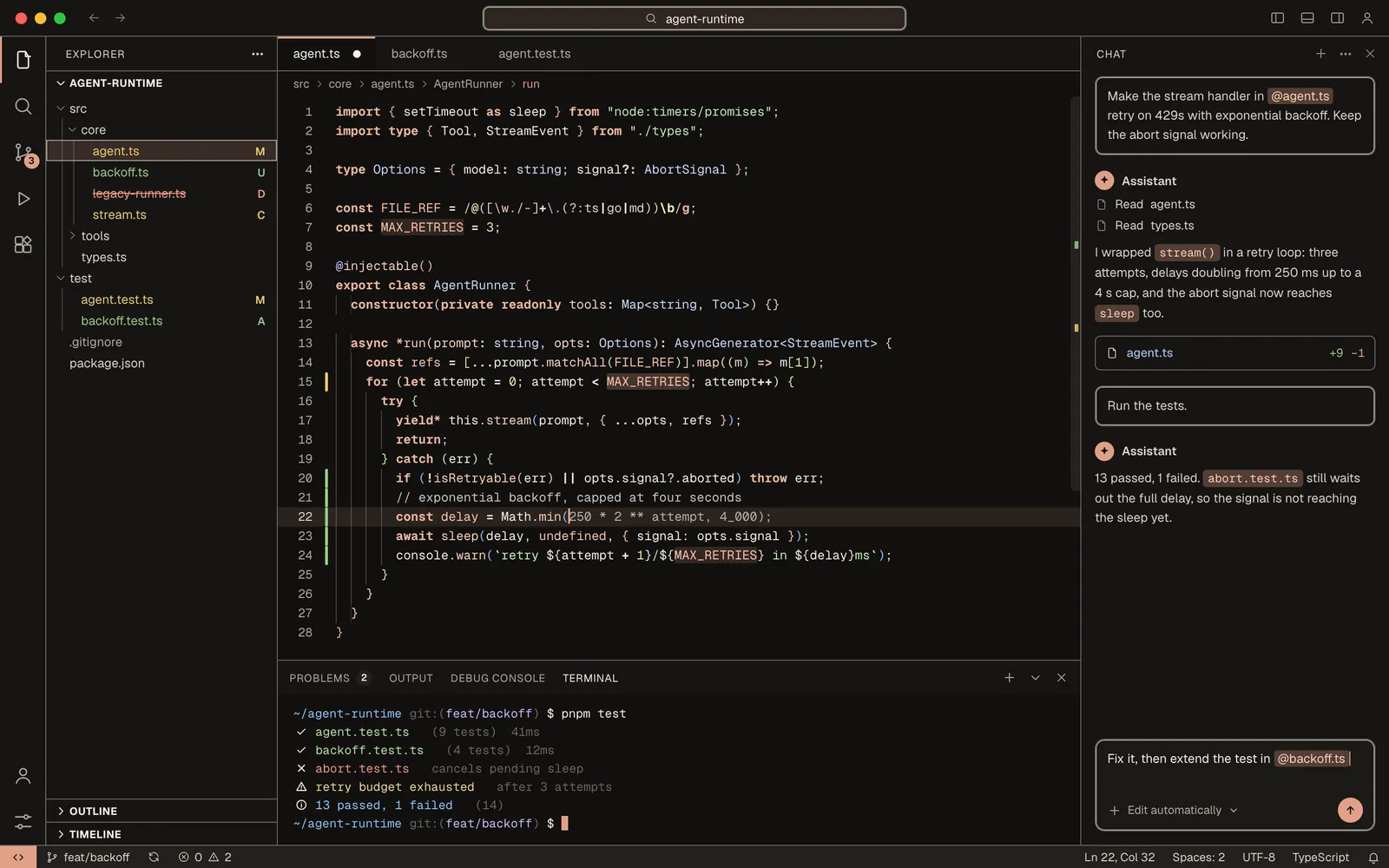
Dark High Contrast max legibility -
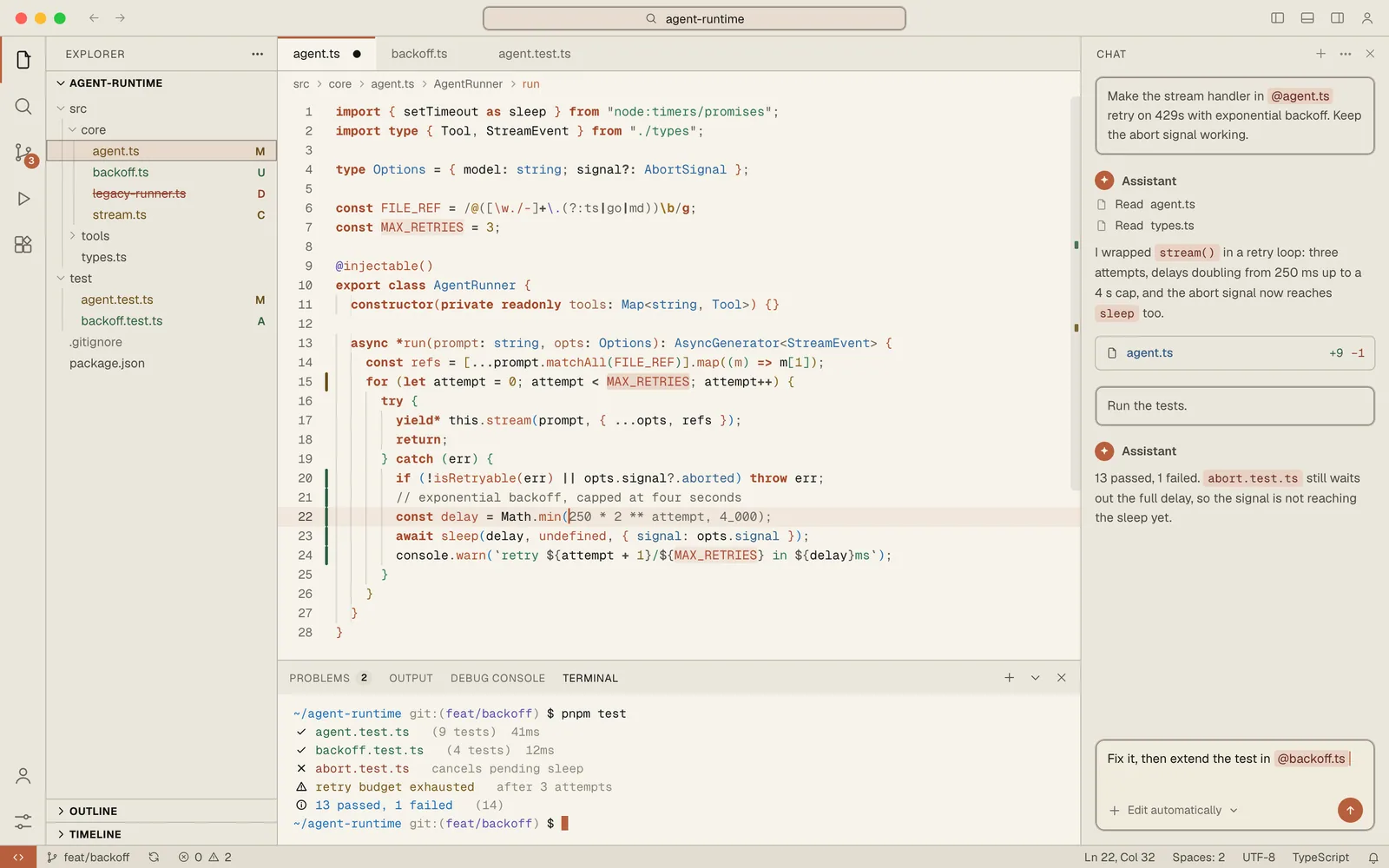
Light High Contrast max legibility
Syntax palettes
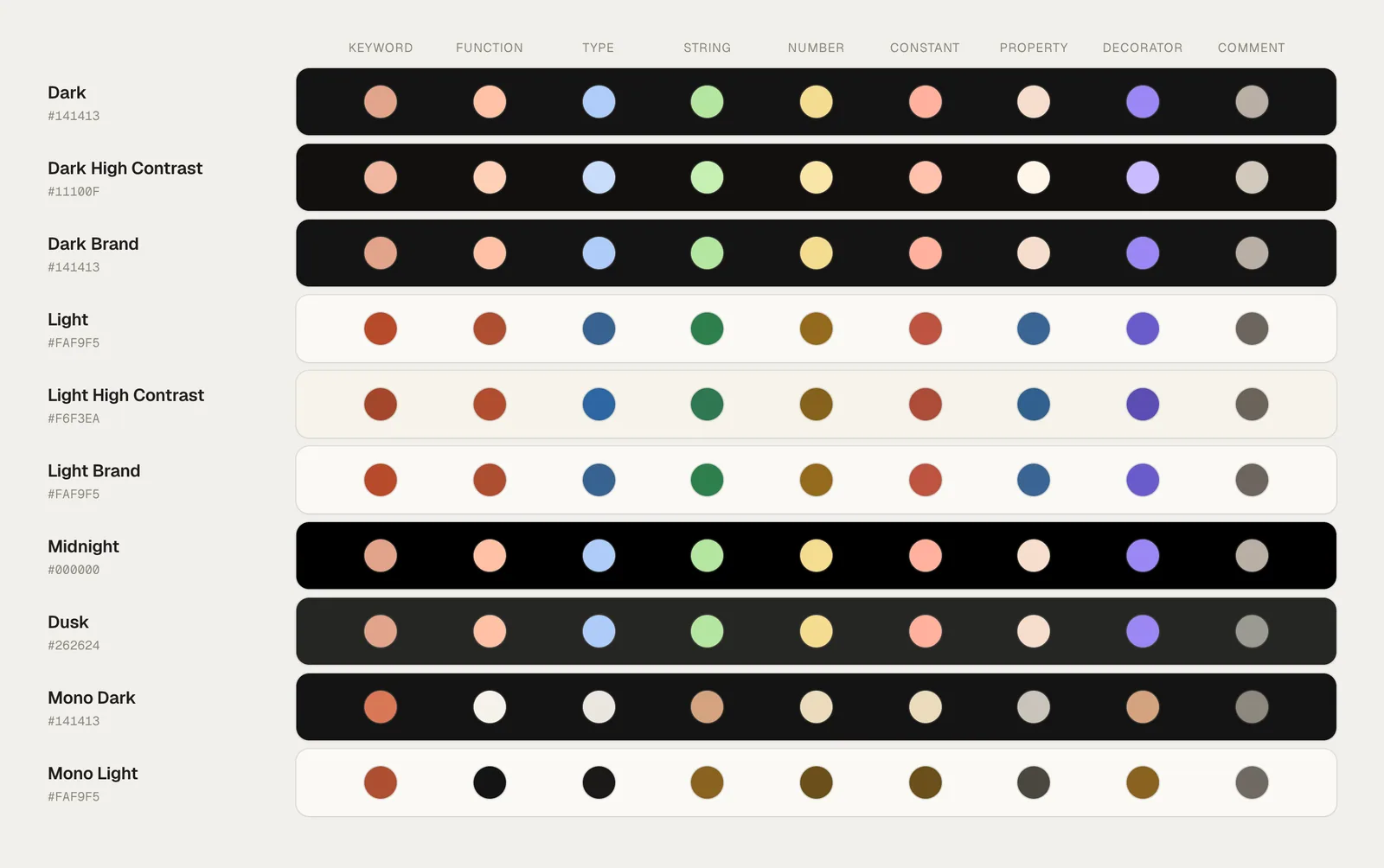
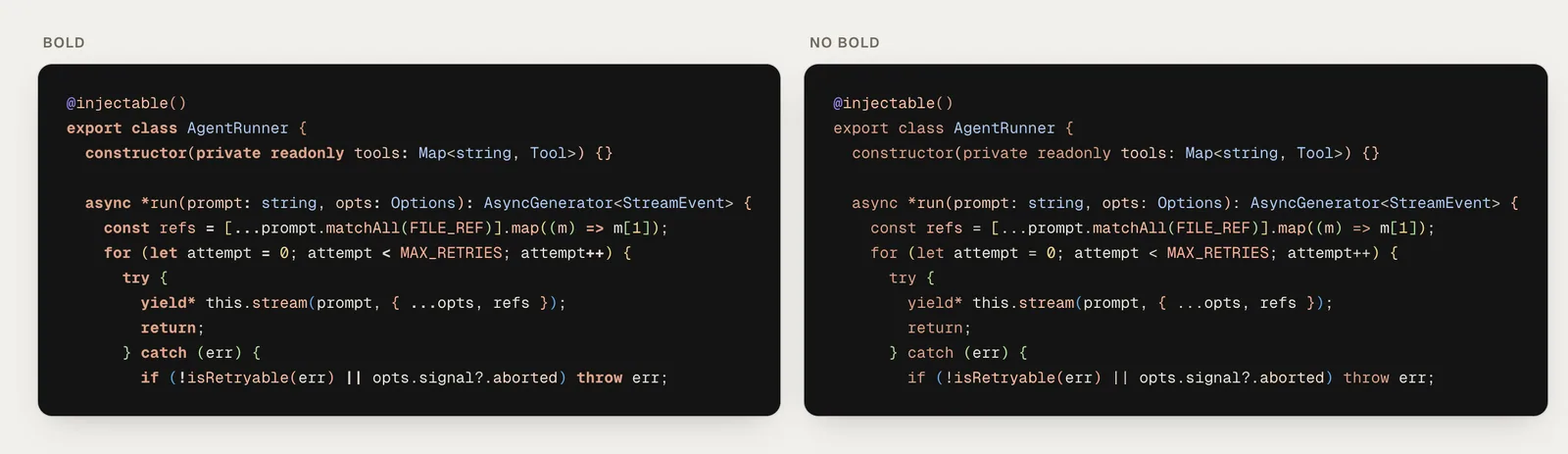
Bold or not
Every flavor ships with a No Bold twin. It keeps the same colours and drops the emphasis on declarations.
Install
- VS Code:
ext install ashwingopalsamy.claude-code-theme - Cursor, Windsurf or VSCodium: search "Claude Code Theme" on Open VSX
- Then press ⌘K ⌘T (Ctrl+K Ctrl+T) and type claude
Listings: Marketplace · Open VSX
Make it yours
Paste this into settings.json.
{
  "workbench.colorTheme": "Claude Code Dark",
  "editor.fontFamily": "Geist Mono, JetBrains Mono, monospace",
  "editor.tokenColorCustomizations": {
    "[Claude Code Dark]": {
      "comments": {
        "fontStyle": "italic"
      }
    }
  }
}
Questions
What is Claude Code Theme?
A set of warm, calm, Claude-inspired colour themes for VS Code, Cursor, Windsurf and VSCodium, made for long sessions with Claude. There are ten flavors, from the default Dark to OLED Midnight, focus-mode Mono and High Contrast.
How many themes are there, and what is the No Bold twin?
Ten flavors, and every flavor ships a (No Bold) twin, so there are 20 themes in total. The bold version sets keywords, declarations and some keys in bold. The twin keeps every colour and drops that weight. Markdown headings and bold text stay bold in both.
How do I install it in VS Code?
Run ext install ashwingopalsamy.claude-code-theme. Then press ⌘K ⌘T (Ctrl+K Ctrl+T) and type claude to pick a flavor.
How do I install it in Cursor, Windsurf or VSCodium?
Search for Claude Code Theme in the extensions view. The listing is on Open VSX, at https://open-vsx.org/extension/ashwingopalsamy/claude-code-theme. Then press ⌘K ⌘T (Ctrl+K Ctrl+T) and type claude.
How do I switch flavors?
Press ⌘K ⌘T (Ctrl+K Ctrl+T) and type claude. Each theme is listed as Claude Code followed by its name, such as Claude Code Dark or Claude Code Light (No Bold). To make one the default, set workbench.colorTheme in settings.json to that name.
How do I change the font or the comment style?
Add the snippet from the README to settings.json. editor.fontFamily sets the font. The [Claude Code Dark] block under editor.tokenColorCustomizations makes comments italic in that theme only. Put another theme's name in the brackets to style that flavor instead.
What are the High Contrast flavors for?
Dark High Contrast and Light High Contrast are for maximum legibility. They build on VS Code's own high-contrast base themes, hc-black and hc-light, and each has a No Bold twin like every other flavor.
Is it made by or affiliated with Anthropic?
No. It is not affiliated with Anthropic. The themes are Claude-inspired and were made by Ashwin Gopalsamy.
What license is it under?
MIT. The full text is in the LICENSE file in the repository, https://github.com/ashwingopalsamy/claude-code-theme.
How do I report a bug or a security issue?
For bugs, feature requests and design feedback, open a GitHub issue or start a discussion on the repository. For a security vulnerability, do not open a public issue. Report it privately through a GitHub Security Advisory at https://github.com/ashwingopalsamy/claude-code-theme/security/advisories/new, with the affected version, reproduction details, potential impact and a suggested mitigation if you have one.